LATEST VERSION
—
Checking GitHub for the newest release…
VAJGRT LABS / CERBERUS
Cerberus is an AI guardian for your home network. It watches every device, explains what's happening in plain English, and helps you shut down threats — no IT degree required.
Windows 10 & 11 · Free forever core · 7-day Pro trial included
Your network data never leaves your PC. The only thing an account tracks is your subscription.
Trouble installing? Read the install help →
SEE IT IN ACTION
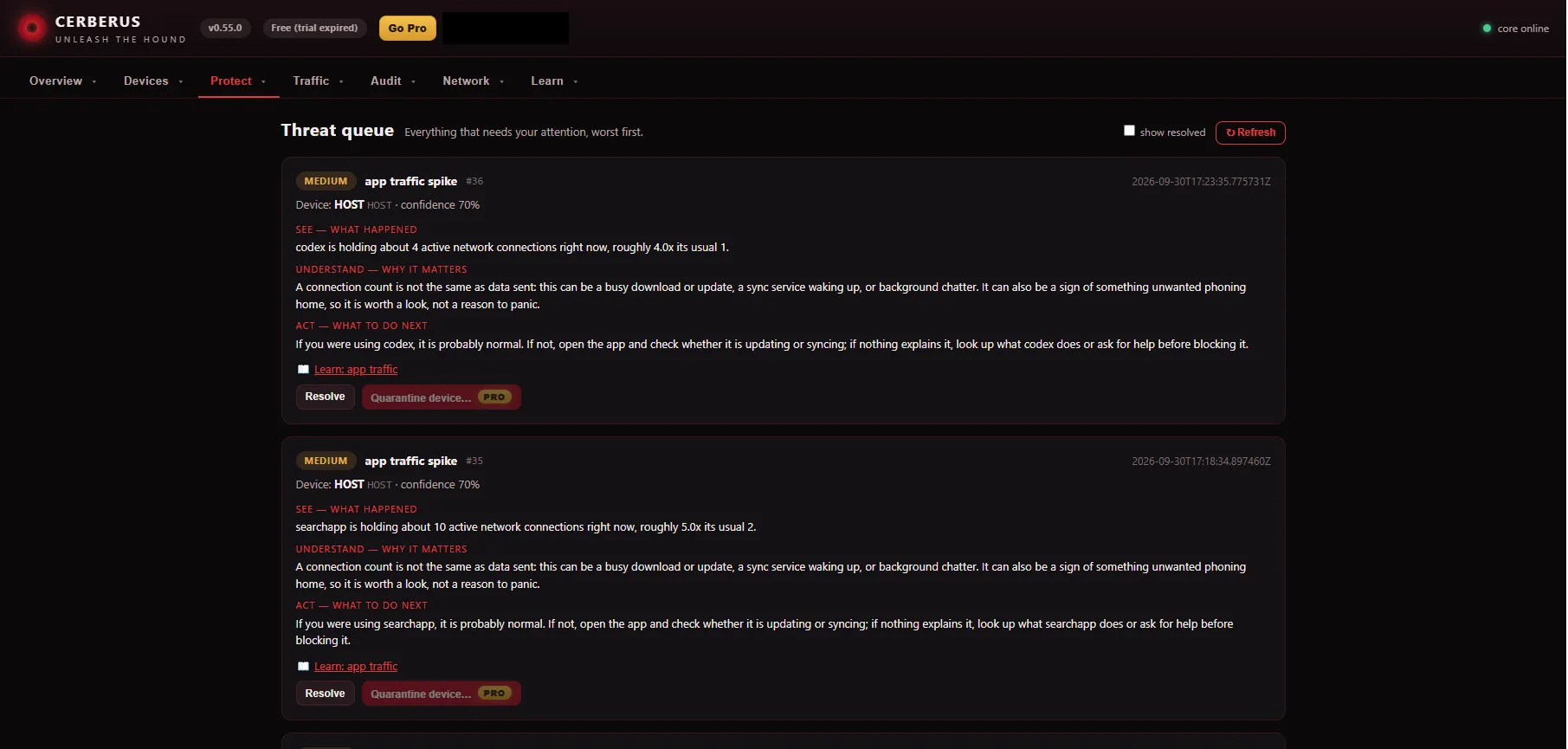
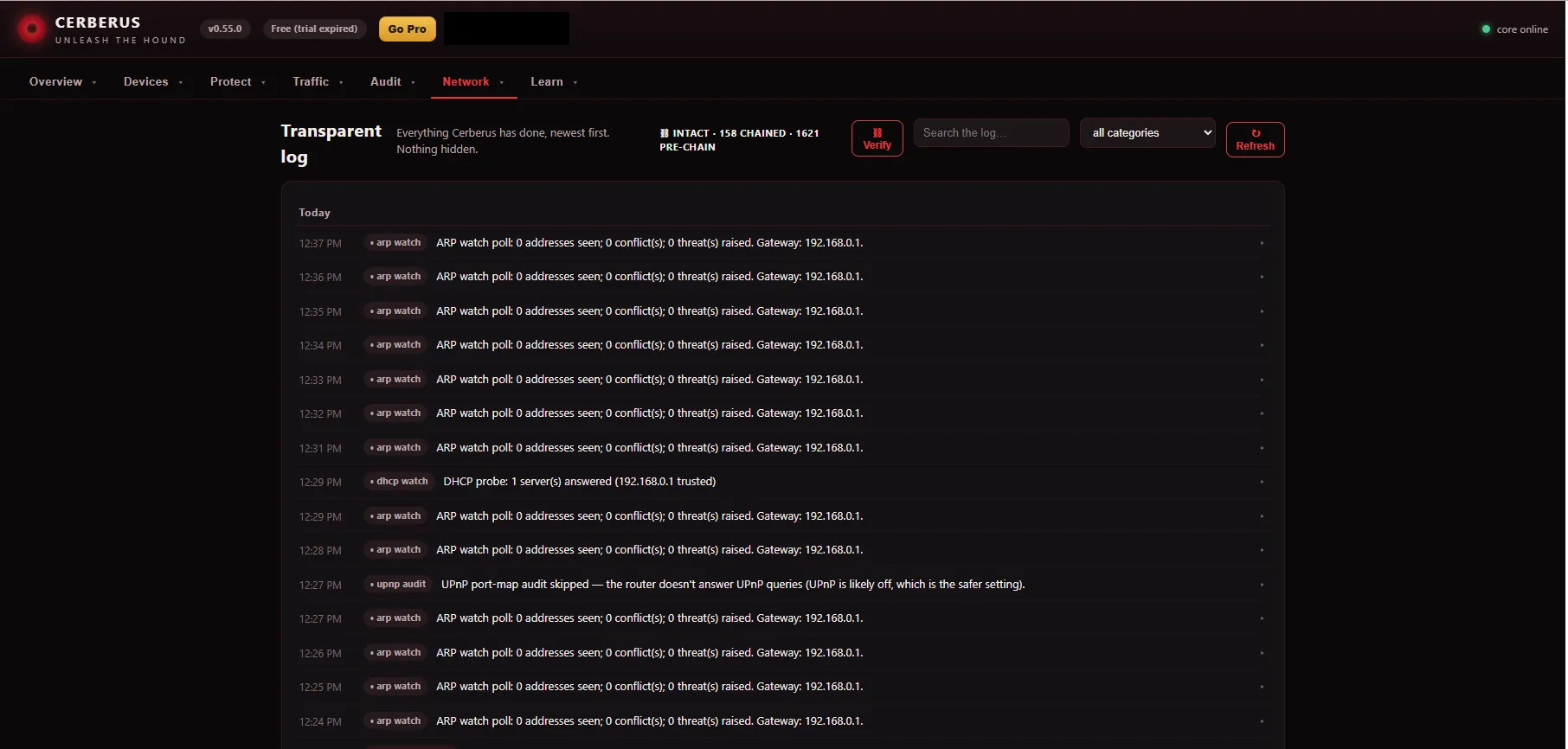
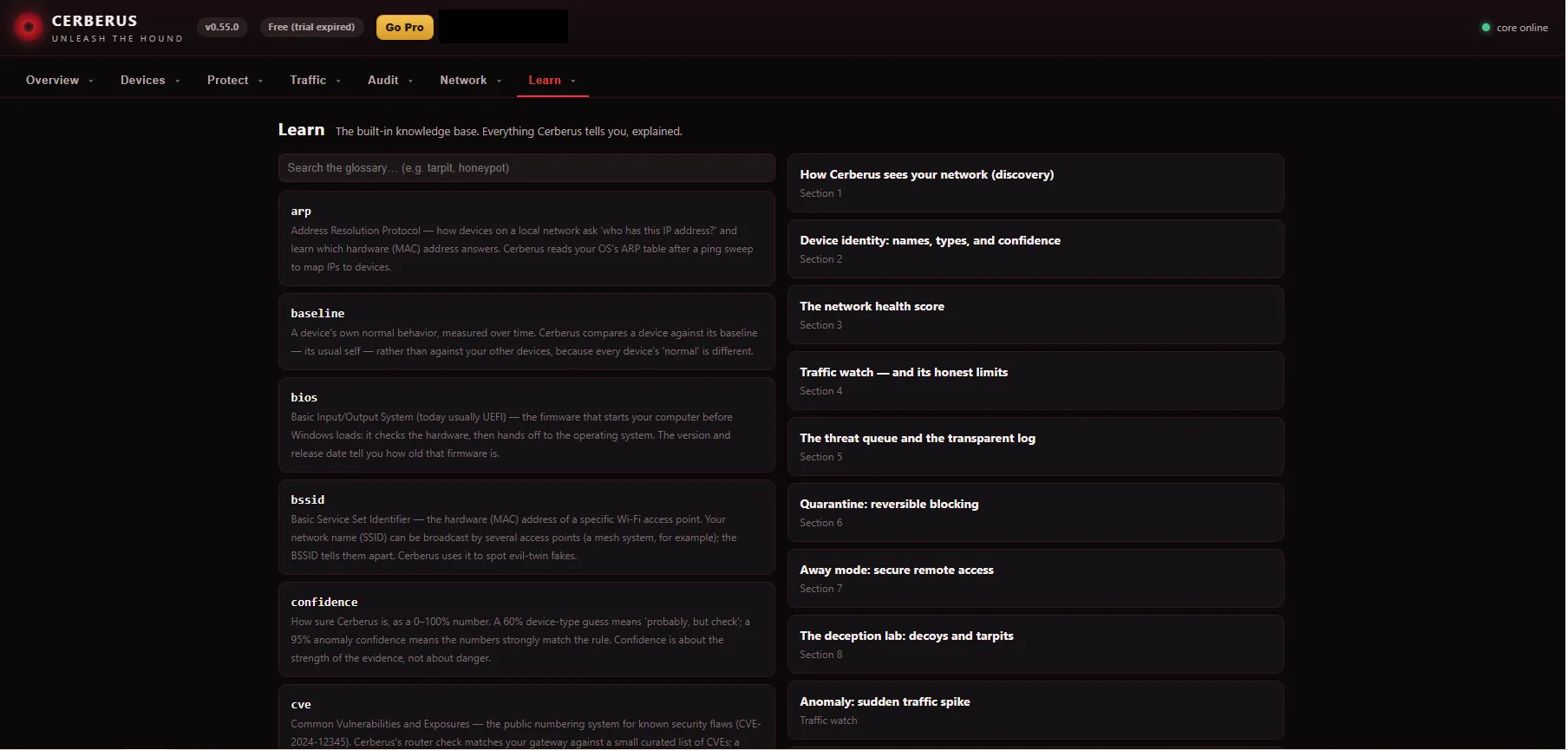
This is Cerberus running on a real home network — what you see here is what you get after install. Personal and network details are redacted.
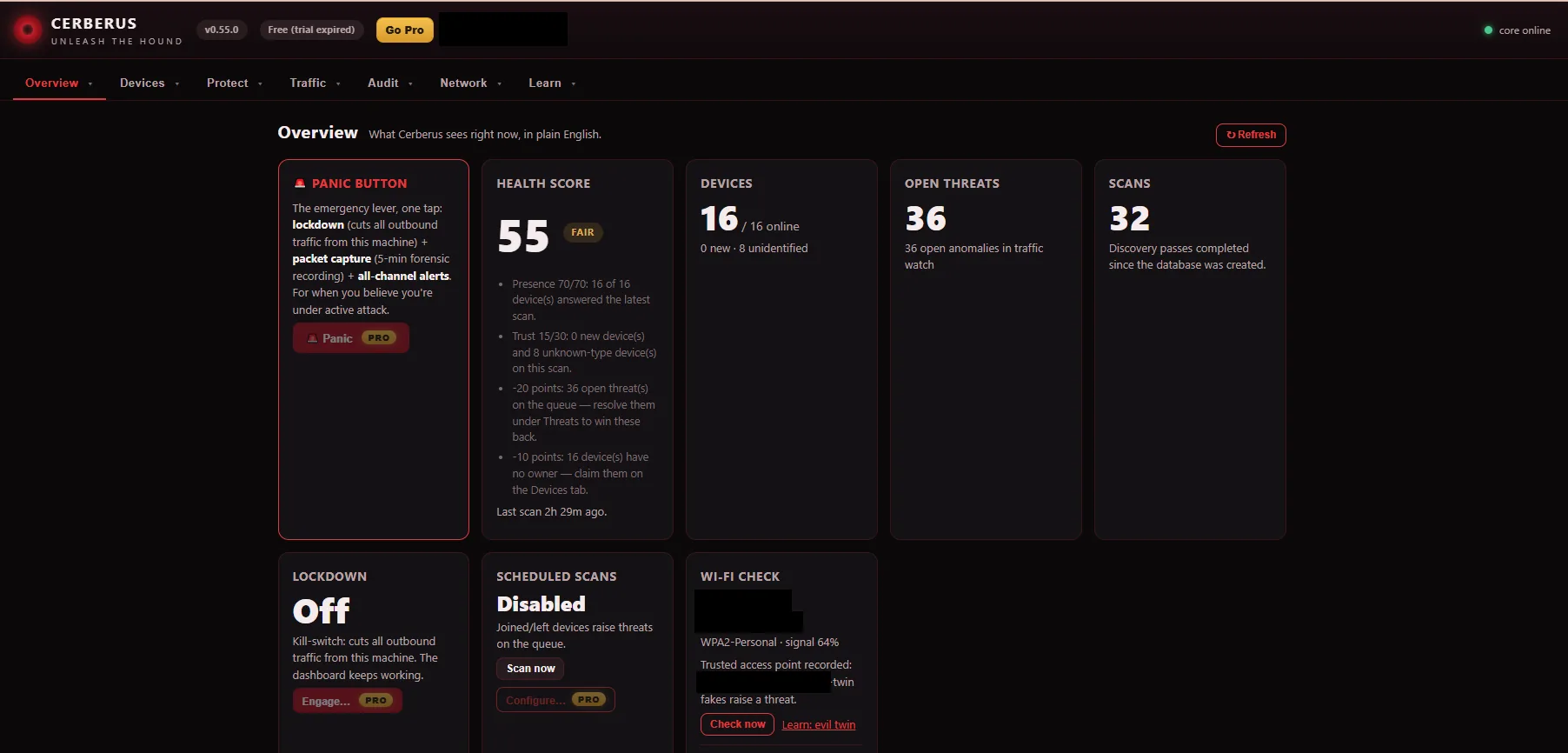
Checking GitHub for the newest release…
Loading the latest highlights…
Cerberus installs in minutes and starts watching your network right away.
HOW IT WORKS
Every part of Cerberus follows the same three steps. Nothing cryptic, nothing buried.
Every phone, laptop, TV, camera, and mystery gadget — found automatically and identified in plain words.
No jargon, no raw logs. Cerberus tells you what happened, why it matters, and what to do next.
Quarantine a device, kill your internet in one click, or pause the kids' tablets at bedtime. Reversible, always.
FREE VS PRO
The free core monitors and explains your network forever. Pro unlocks the tools that do something about it.
Download free and get the full Pro toolkit for 7 days — no card required. Keep the free core forever, or subscribe when you're ready.
PRICING
Start free. Try every Pro tool for 7 days. If the trial ends and you don't subscribe, Pro locks and your free monitoring keeps working — nothing breaks, nothing nags you into paying.
How the trial works: install Cerberus free and you get the full Pro toolkit for 7 days — no card required. When the trial ends, Pro features lock and the free core keeps watching your network. Subscribe anytime — choose a plan above and you'll log in or create your free Vajgrt Labs account first, so your Pro license attaches to the right account. Checkout is secure through Stripe, and your Pro unlocks on every PC where you're logged in.
YOUR ACCOUNT
Log in to see your subscription, grab the installer, and manage your account. This portal never sees your network — that data stays on your PC.
🔒 Log in or create your free account to continue to checkout — your Pro license attaches to this account.
Use the same Vajgrt Labs account as HatchDay and Hutch & Hen.
QUESTIONS
No. Cerberus runs entirely on your Windows PC — discovery, traffic watching, threat history, all of it. The only thing your Vajgrt Labs account tracks is your subscription. Nobody at Vajgrt Labs can see your devices, your traffic, or your home layout.
Pro features lock and the free core keeps working — discovery, health score, threat queue, Learn library, all of it. Nothing breaks and your data stays put. Subscribe anytime to unlock Pro again.
Yes. Monitoring, discovery, and protection are all local, so a dead internet connection doesn't stop the hound from watching your home network. Cerberus checks your subscription whenever you're online.
Everything that watches and explains: device discovery and inventory, “What is this?” profiles, the health score, traffic overview, threat queue, the Learn library, the “This PC” tab, connectivity tools, the topology map, and the weekly digest. See the Free vs Pro table above for the full list.
That's exactly who it's for. Every alert explains what happened, why it matters, and what to do next — in plain English. And the Learn section teaches networking concepts as you go, so the app gets more useful the longer you use it.
Log in above and hit “Cancel Pro subscription” — you keep Pro until the end of your billing period, then it gently locks back to the free core. You can also use the “manage subscription” link in any Stripe receipt email. No dark patterns, no phone calls.
FEEDBACK
Suggestions, issues, bug fixes — it goes straight to VAJGRT LABS.
Cerberus Sky is our new drone-detection app for Android — hear Remote ID broadcasts, get property-boundary alerts, export evidence. See the app →
Your network, watched and explained — free forever. The Pro toolkit waits when you want it.
Trouble installing? Read the install help →